CHATS, POSTS & UPDATES
Keep the conversation with the club.
Use group chats for conversation, posts for club updates and notifications to bring people back to relevant information.
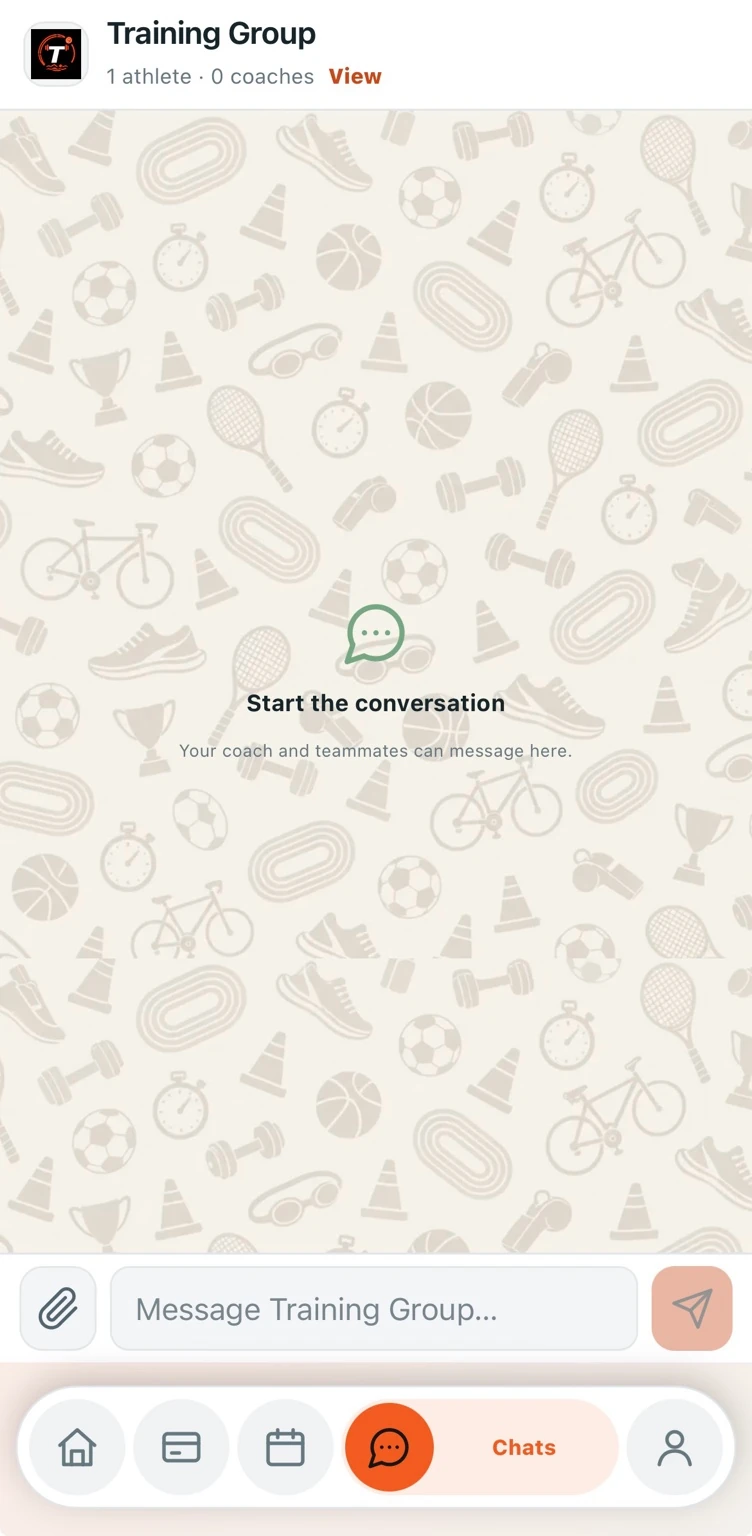
Conversations for each group
Training-group chats keep messages connected to the people they concern. Members can reply, share attachments and react to messages.
- Replies and message reactions
- Profile photos and role labels
- Typing indicators and group conversations
Updates members can return to
Club posts provide a place for announcements, images and links. Comments and reactions let members respond without losing the original update in a chat.
Notifications with member choice
Teamira includes an in-app inbox and phone-notification support on compatible devices. Phone delivery depends on the member’s permission, device and notification setup.
IN PRACTICE
From setup to your next session.
Choose the right place
Use a group conversation for discussion or a club post for a broader update.
Share the details
Add your message and relevant images, attachments or links.
Let members respond
Replies, comments and reactions keep feedback attached to the conversation.
A FEW MORE DETAILS
Good to know.
Do phone notifications work without permission?
No. Members must enable notifications on a supported browser or installed app. Device settings and operating-system restrictions also affect delivery.
Can I turn interaction sounds off?
Yes. Sound effects and haptic feedback are optional preferences. Haptics depend on device and browser support.
Are conversations public?
Club conversations are intended for authorised accounts and their assigned groups. This public website does not expose club chats.