
TRAINING SCHEDULES
Make the next session easy to find.
Organise sessions around your club’s activities, groups and weekly routine. Give members one place to check their training schedule.
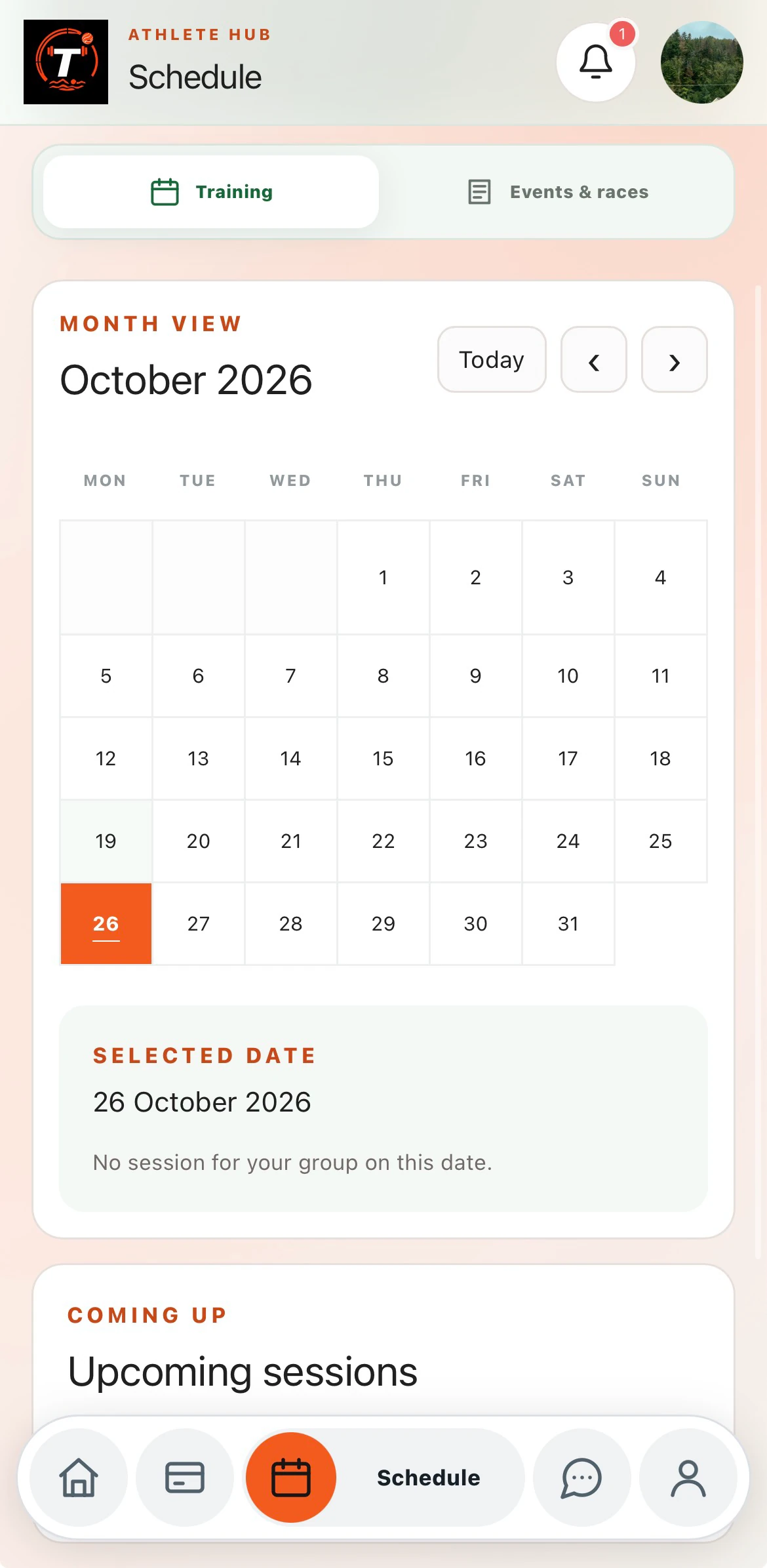
Plan for the way your club trains
Choose an activity type or add a custom one, then enter the session details. A club’s schedule can include different activities, venues and coaches.
- Session name, time and location
- Coach and training-group selection
- Custom activity types
Repeat the right days
Set up recurring sessions on selected weekdays, such as Tuesday and Thursday. This supports a weekly routine without having to enter every session individually.
IN PRACTICE
From setup to your next session.
Choose the group and activity
Start with the people and session you are planning for.
Set the dates
Enter a session date or choose the weekdays for a repeat schedule.
Share the plan
Members check the calendar and session details inside their club hub.
A FEW MORE DETAILS
Good to know.
Can different groups have different sessions?
Yes. Sessions can be assigned to training groups so clubs can organise different teams and programmes.
Do all clubs need to use the same activity types?
No. Custom activities let clubs use names that fit their own sport and training.